
// MESSAGING
Messages. Conversations that move fast.
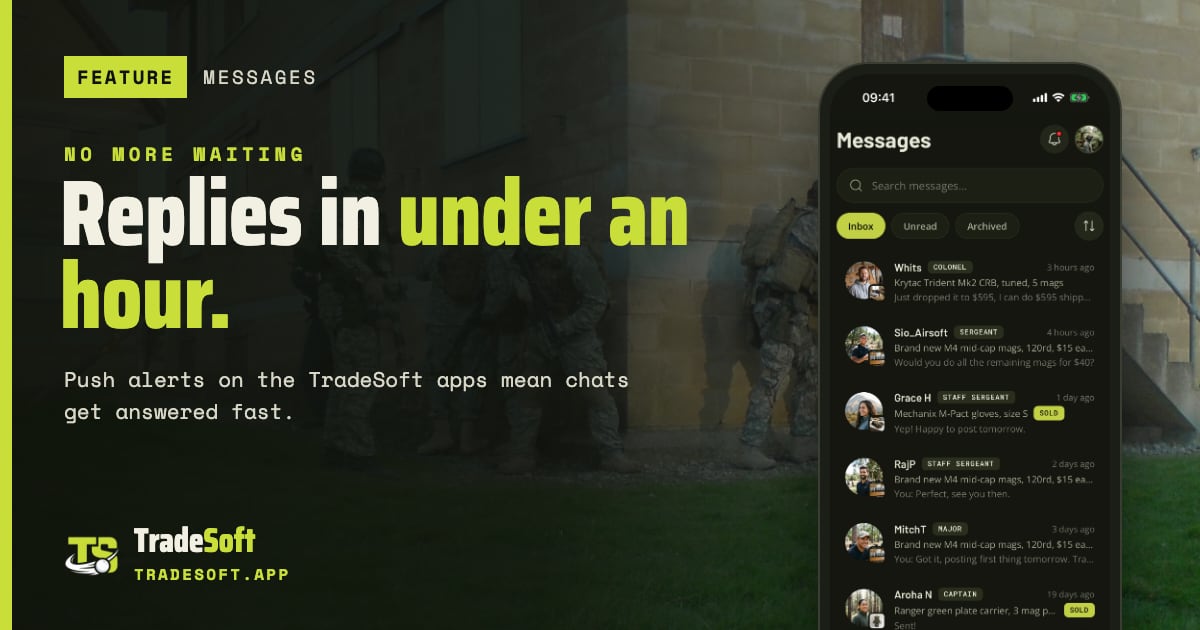
The TradeSoft apps send a push notification the moment someone messages you, so buying and selling conversations don't stall.
How it works
-
Message from the listing
Tap Message seller on any listing. The chat is linked to the item.
-
Get notified instantly
Push notifications on iPhone and Android mean replies come quickly.
-
Sort the deal in one place
Send photos, share payment details and mark it sold, all from the chat.
// YOUR INBOX
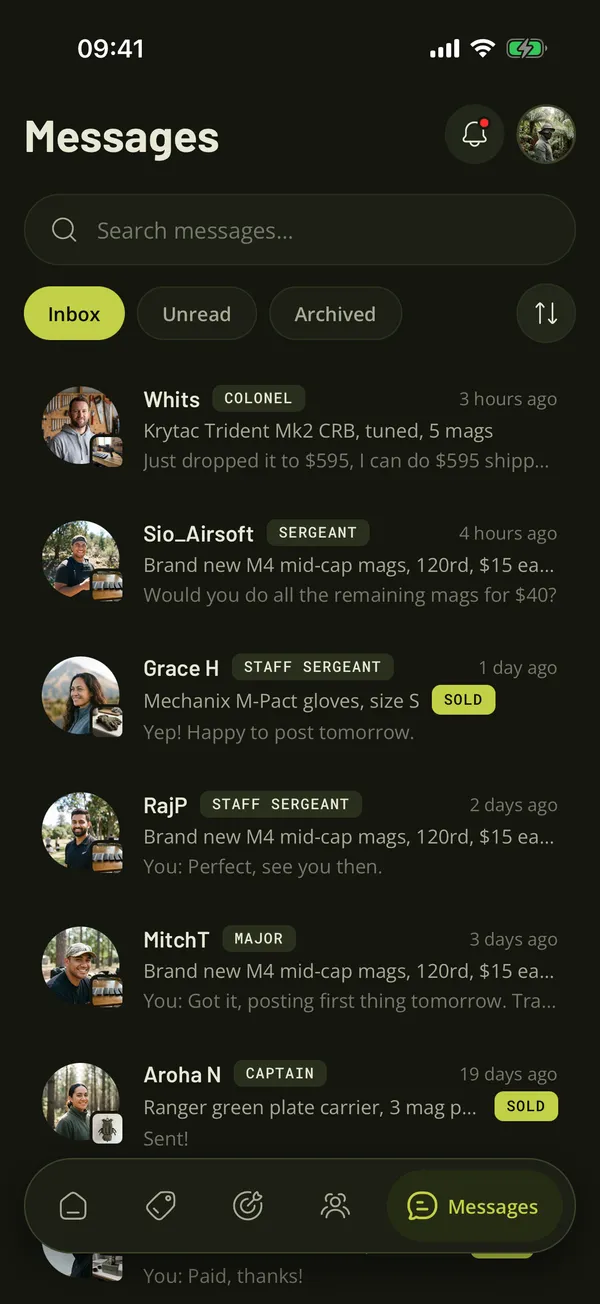
Every chat, tied to the gear
Each conversation shows the listing it's about, so you never mix up who wanted what.
Archive old chats to keep your inbox tidy.
- Instant push notifications
- Chats linked to the listing
- Send photos in the chat
- Share payment details in a tap
Frequently asked questions
How do I message a seller?
Tap Message seller on the listing. The conversation is linked to that item.
Will I be notified of new messages?
Yes. The iPhone and Android apps send a push notification, and you can also turn on email alerts.
Can I send photos?
Yes. You can send photos in the chat.
More on TradeSoft
// GET THE APP
Join TradeSoft. It's free.
Buy and sell without the wait. Free on iPhone and Android, and on the web.


Prefer your browser? Use TradeSoft on the web