
// TRUST AND SAFETY
Phone verification. Real people, verified.
Verify your phone number with a quick SMS code and you get a verified badge on your profile and listings.

How it works
-
Add your number
Enter your mobile number in your account settings.
-
Enter the SMS code
We text you a short code to confirm it's yours.
-
Get your badge
A verified badge shows on your profile and your listings.
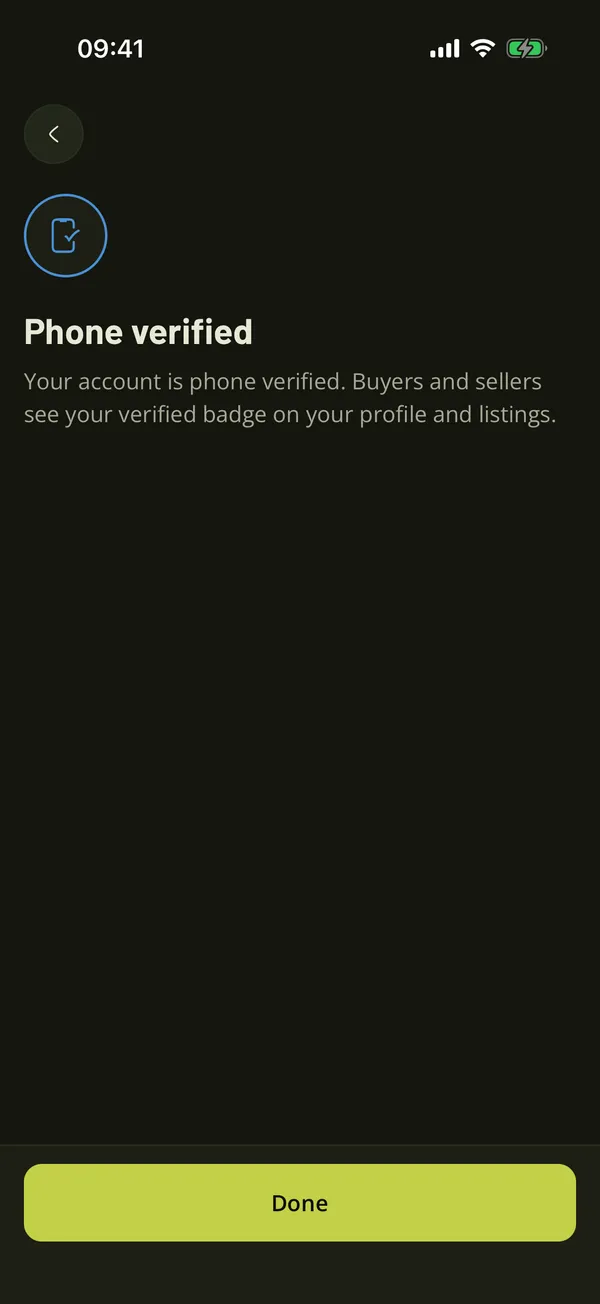
// A SMALL STEP, A BIG SIGNAL
Show you're a real person
A phone verified badge tells other players there's a real person behind the account.
Phone verification is also needed to leave a business review.
- Takes under a minute
- Badge on your profile and listings
- Needed for business reviews
- Your number isn't shown on your profile
Frequently asked questions
How do I verify my phone number?
Go to your account settings, add your mobile number and enter the code we text you.
Will other users see my phone number?
No. Others see the verified badge, not your number.
Do I need to verify my phone to use TradeSoft?
No, but it adds trust to your profile and is required to leave business reviews.
More on TradeSoft
// GET THE APP
Join TradeSoft. It's free.
Get verified and trade with confidence. Free on iPhone and Android, and on the web.


Prefer your browser? Use TradeSoft on the web