
// SELLING
List in minutes. Selling made easy.
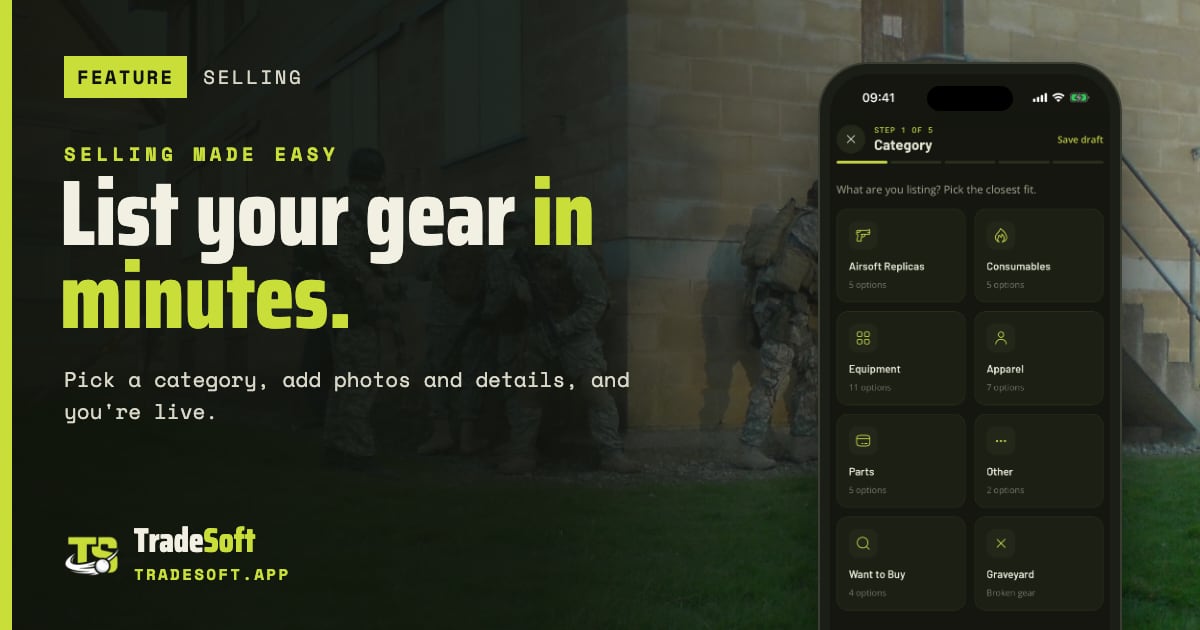
Selling on TradeSoft is quick. Pick a category, add your photos and details, and you're live. It's free to list.
How it works
-
Pick a category
Replicas, equipment, apparel, parts, consumables, Want to Buy or the Graveyard.
-
Add photos and details
Up to 7 photos, plus price, condition, specs, shipping and trade options.
-
Review and publish
Check your listing and publish. Or save it as a draft and finish later.
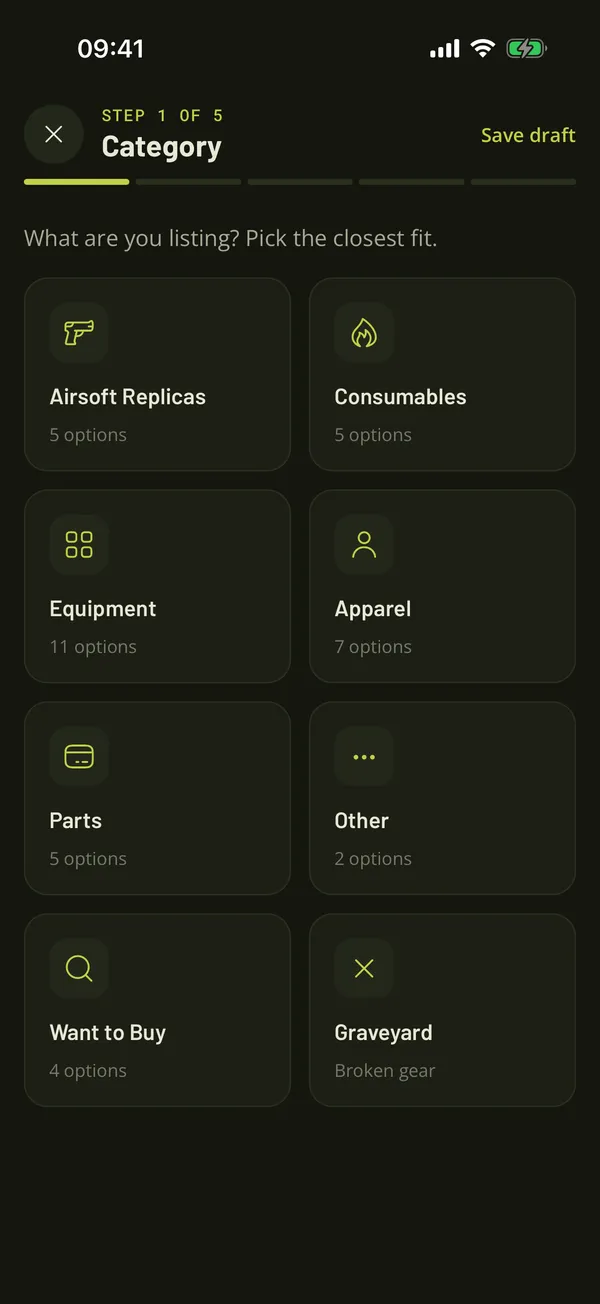
// STEP BY STEP
Nothing gets missed
The guided flow asks for the details buyers look for, so your listing is complete first time.
Selling something similar again? Clone an old listing and relist in seconds.
- Guided, five step flow
- Save drafts for later
- Clone to relist fast
- Free to list
Frequently asked questions
How much does it cost to list airsoft gear on TradeSoft?
Nothing. Listing is free, and TradeSoft takes no commission on your sale. Bumps and featuring are optional.
How many photos can I add?
Up to 7 photos per listing.
Can I save a listing and finish it later?
Yes. Save it as a draft and pick it up from My listings when you're ready.
More on TradeSoft
// GET THE APP
Join TradeSoft. It's free.
List your first item free. Free on iPhone and Android, and on the web.


Prefer your browser? Use TradeSoft on the web